STEP 01
Choose the research paper workflow
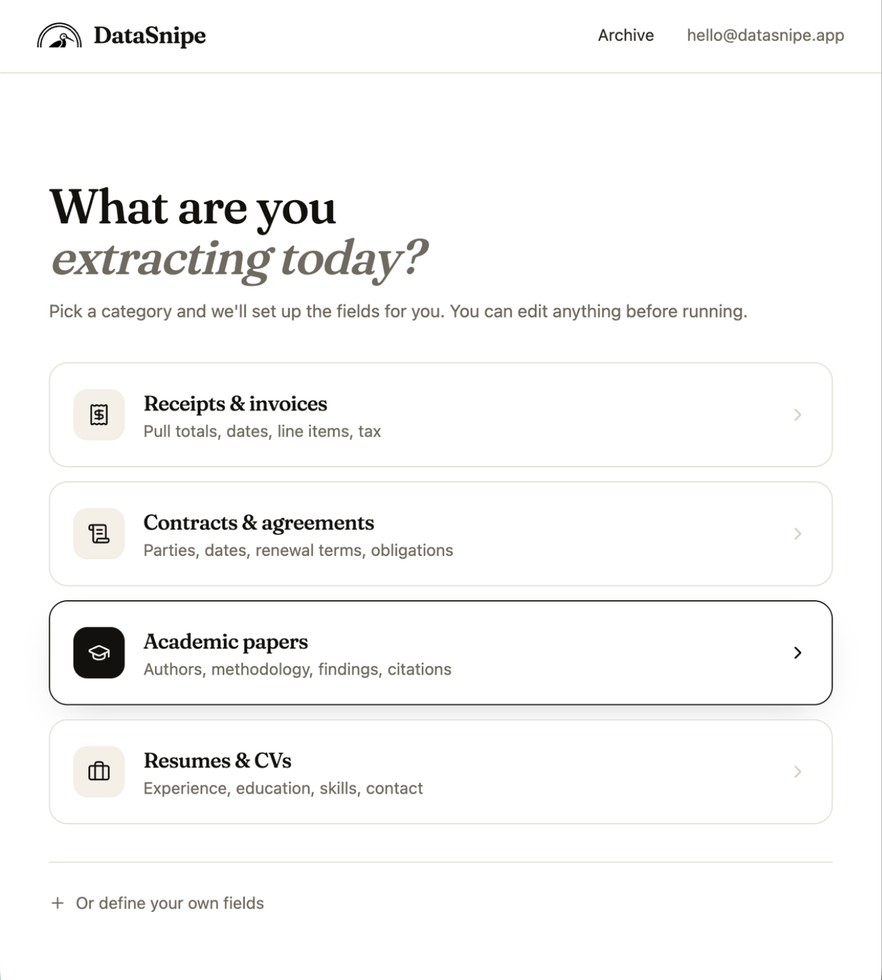
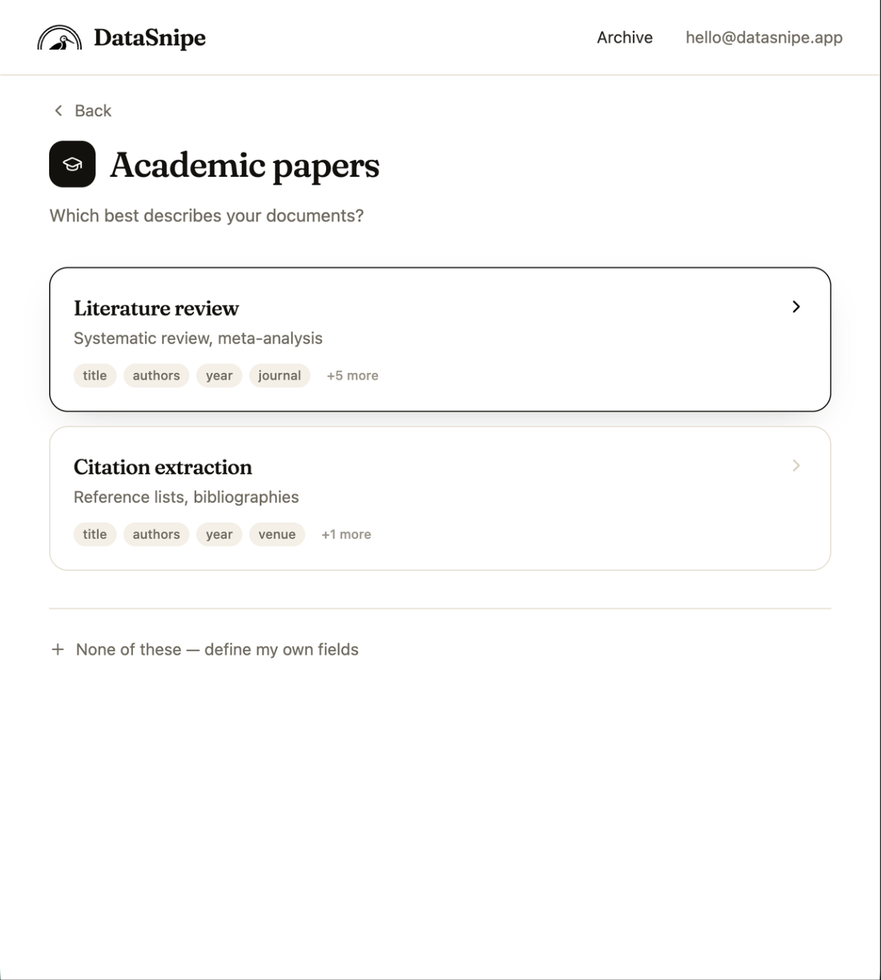
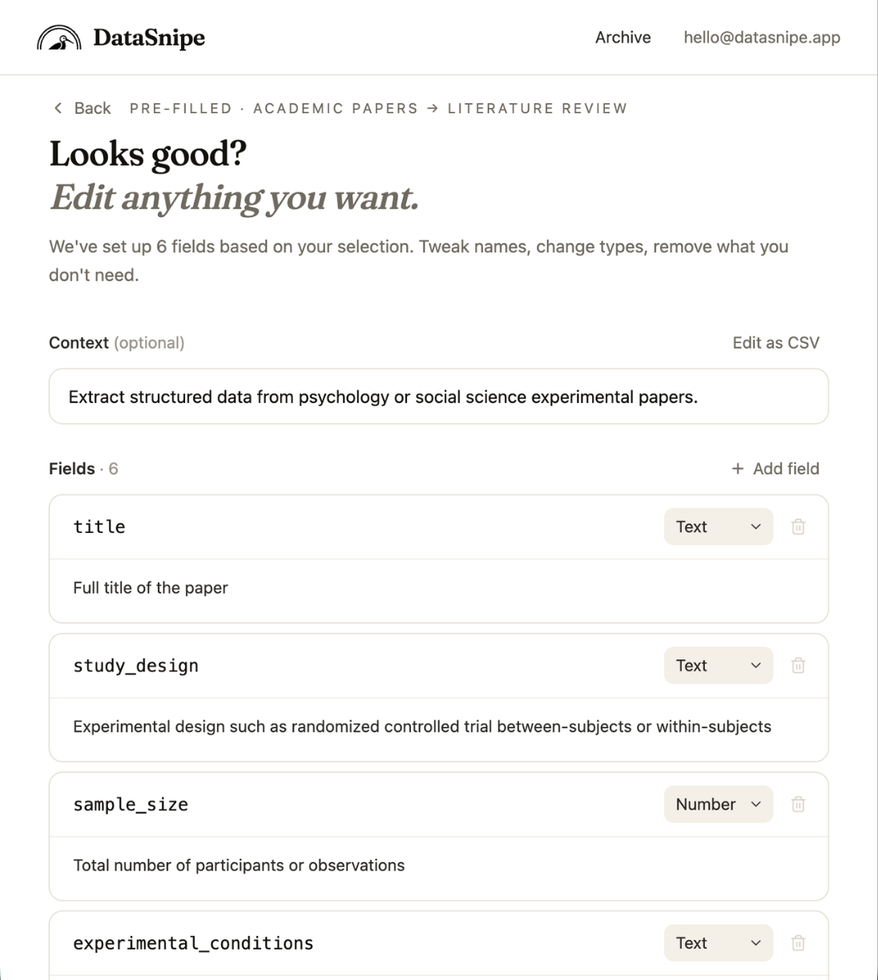
Start from the Academic papers category, then choose Literature review to load a field set designed for evidence tables.
Follow a real extraction workflow from source documents to cited, structured results ready for review, export, and analysis.
This walkthrough shows how a research team can extract structured study details from papers while keeping every answer tied to its source page.
Start from the Academic papers category, then choose Literature review to load a field set designed for evidence tables.
Fields are explicit: name, type, and description. The model is given a precise schema instead of a vague prompt.
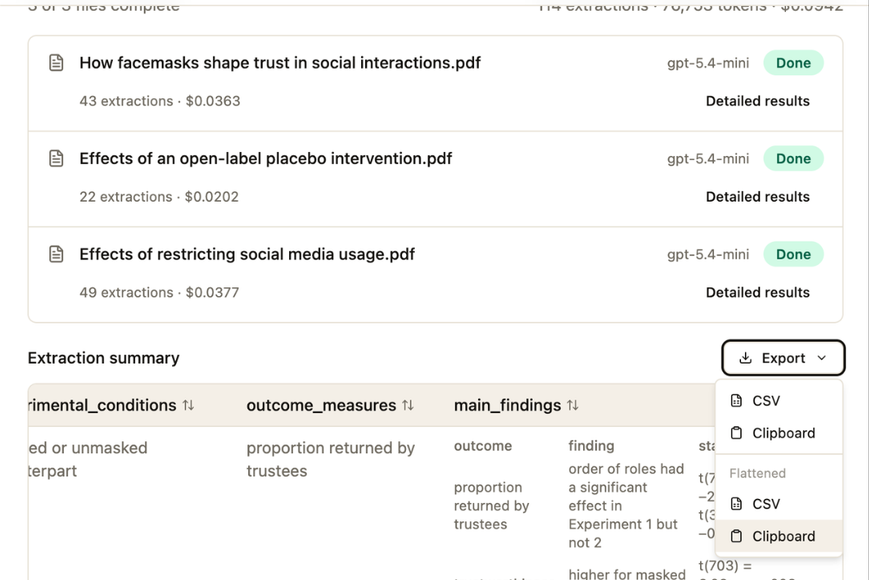
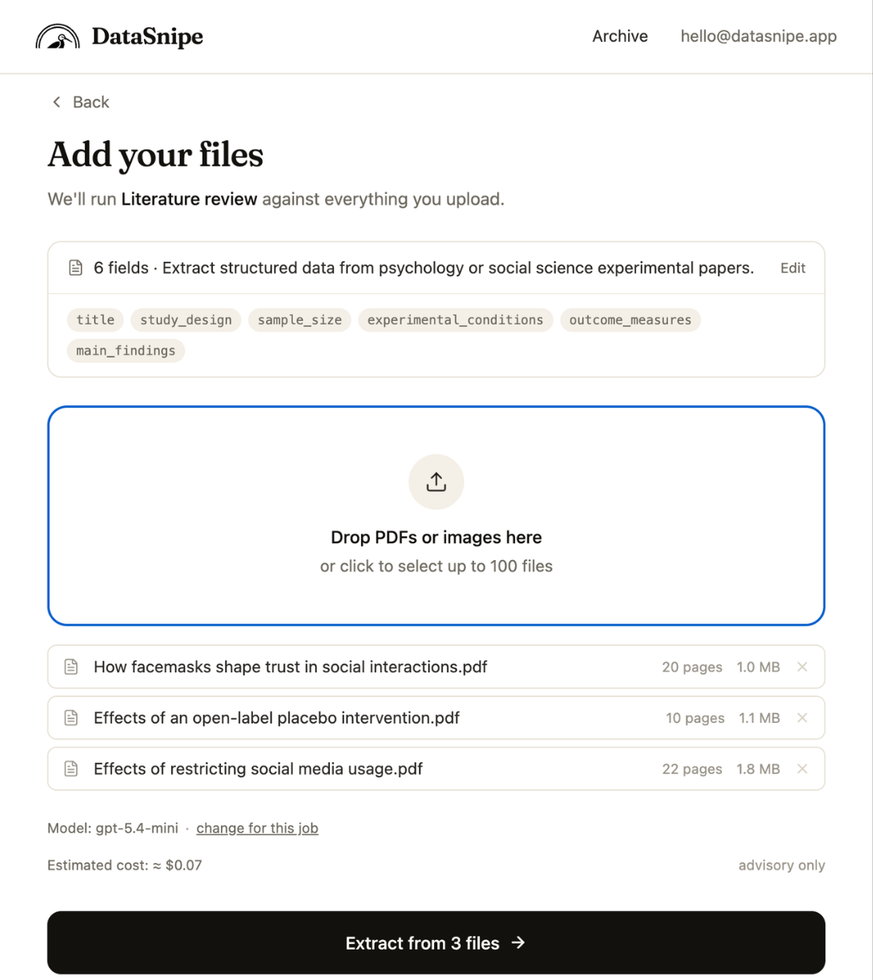
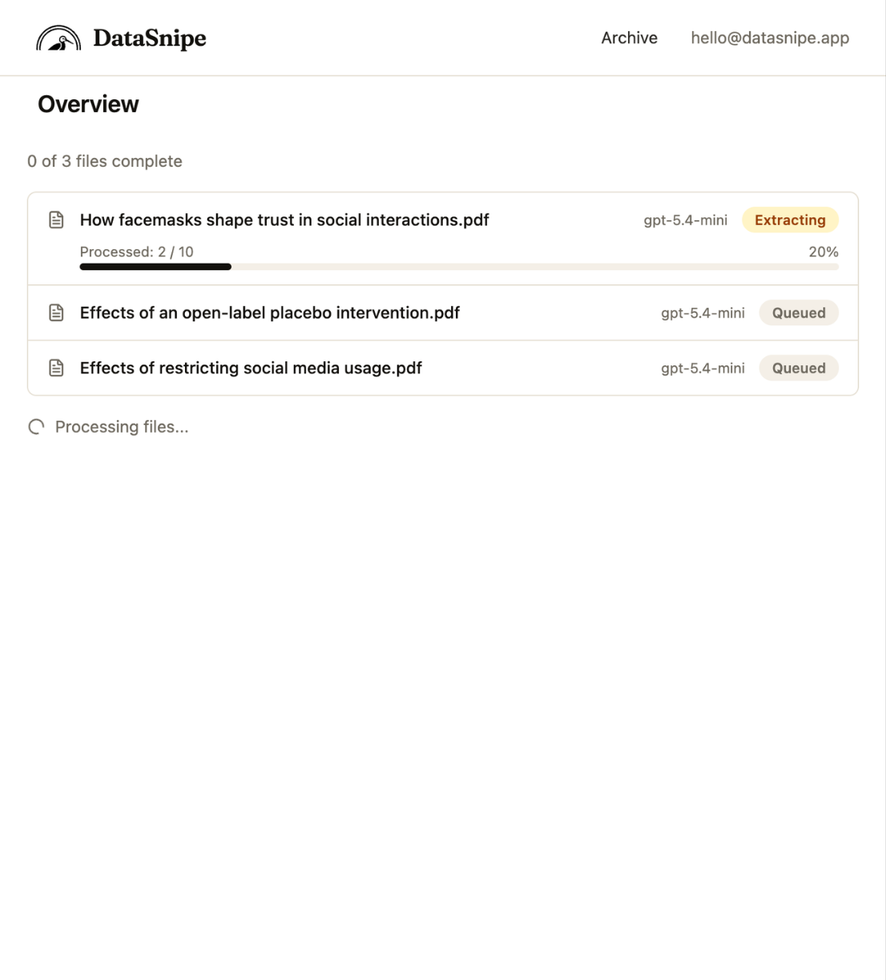
Upload one paper or a batch. DataSnipe shows the field summary, selected model, estimated cost, and extraction progress for every file in the job.
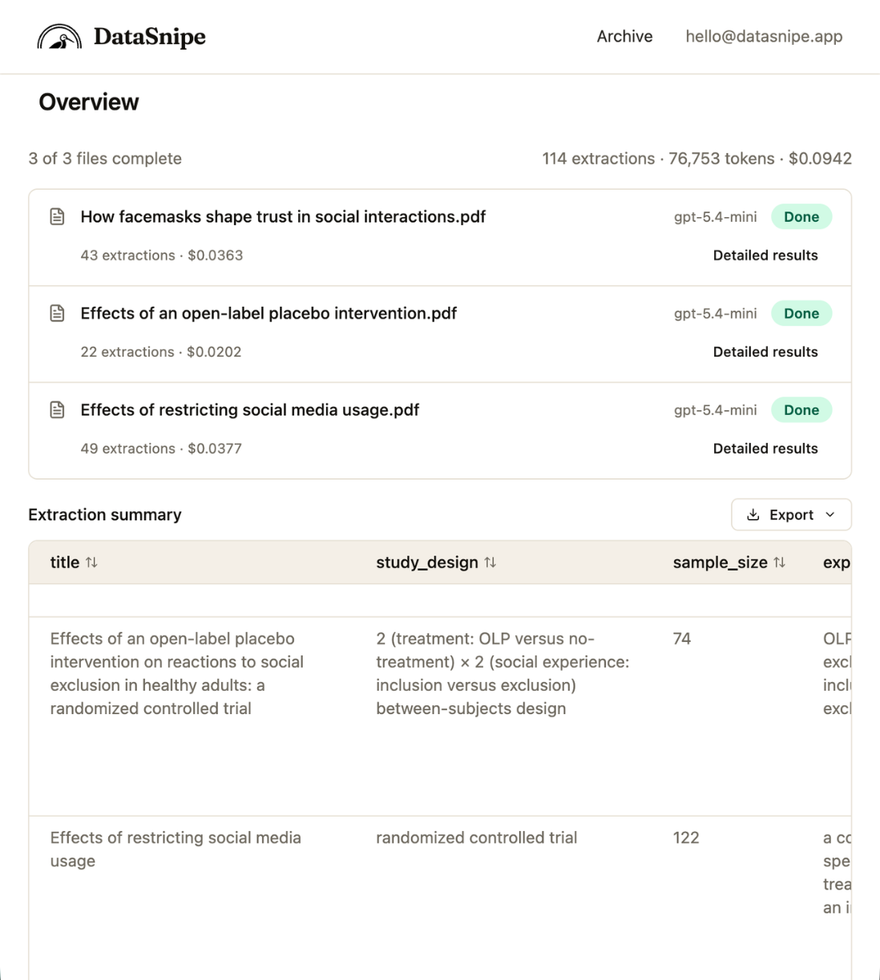
Once the batch finishes, the overview summarizes completed extractions, token usage, total spend, and table-ready results.
Open detailed results for a paper to inspect each extracted field, page number, confidence score, and citation link.
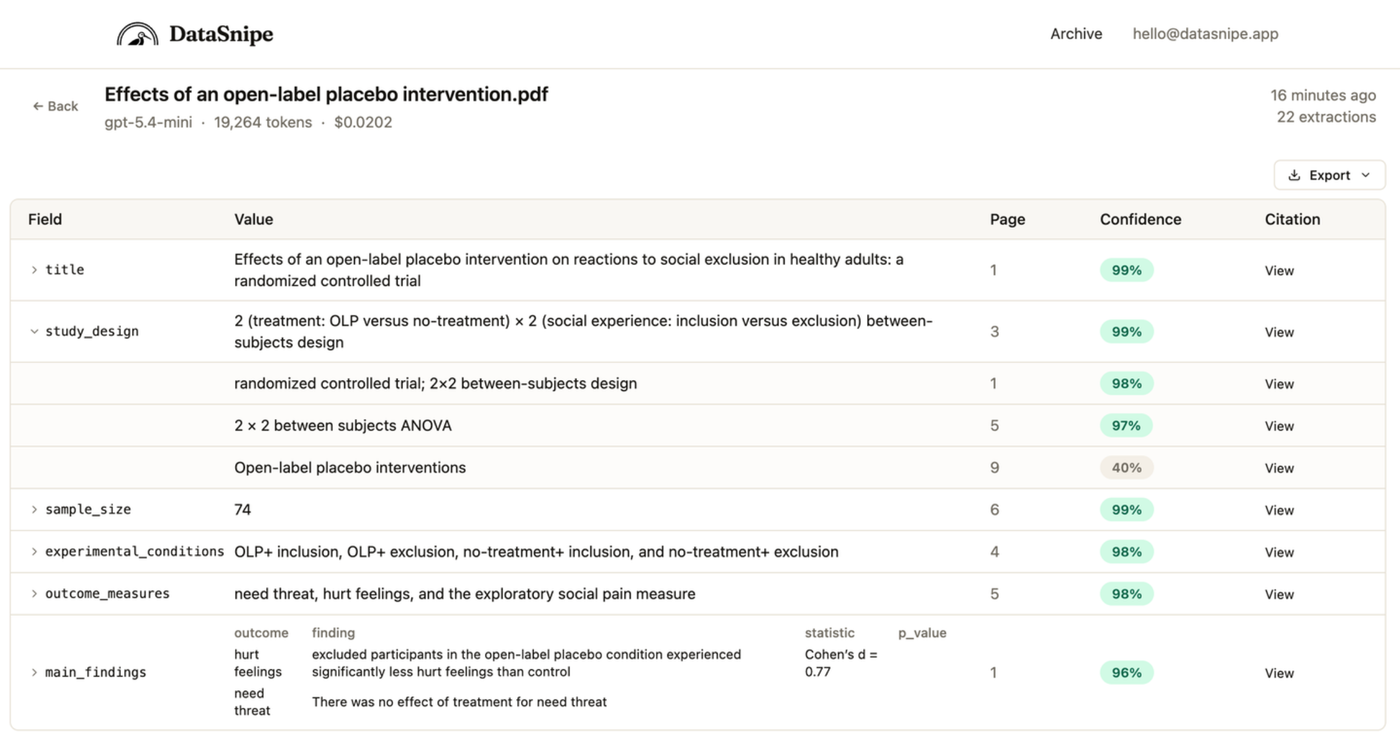
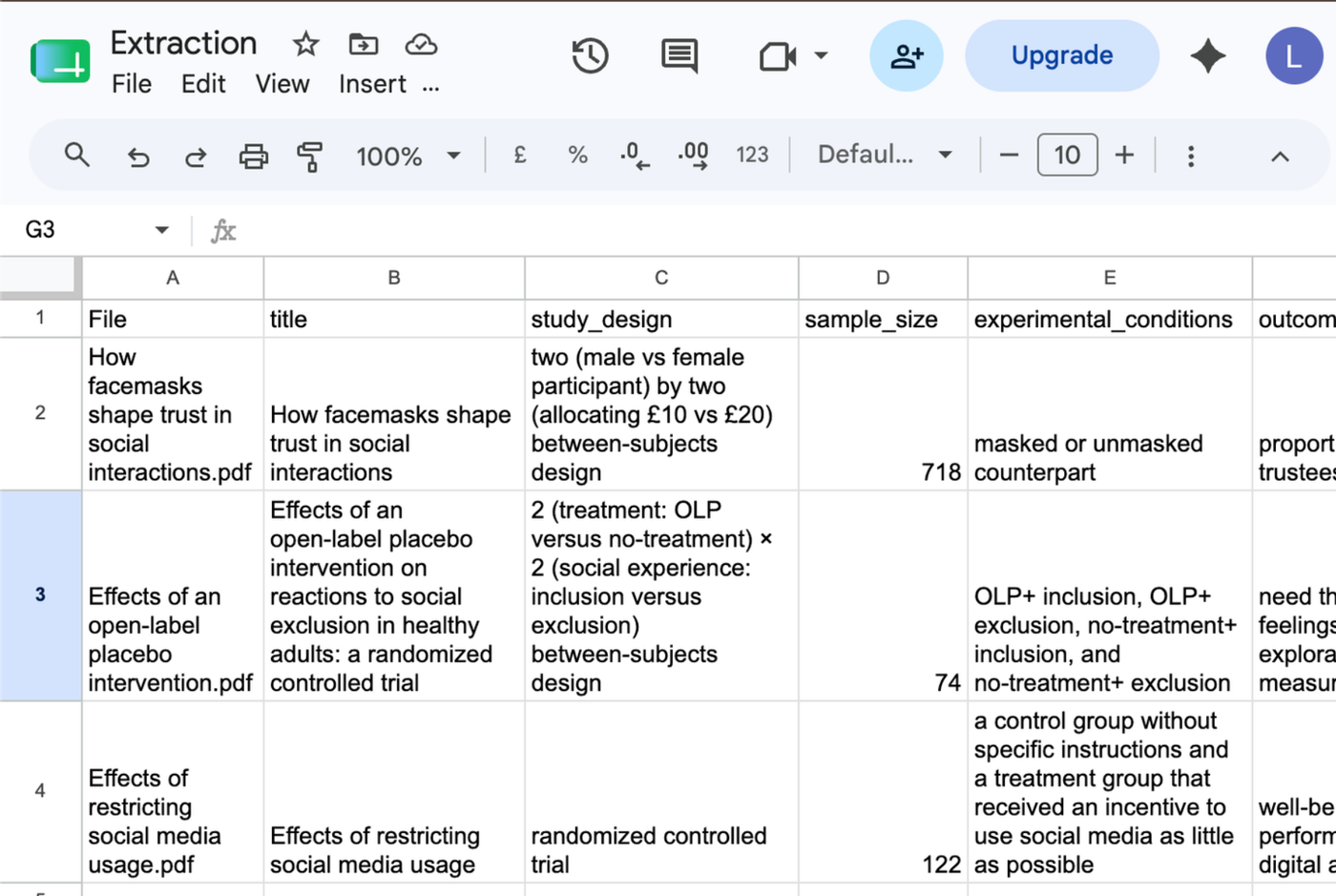
Export normalized or flattened results to CSV or the clipboard, so the extraction can move straight into Sheets or downstream review.